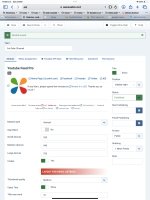
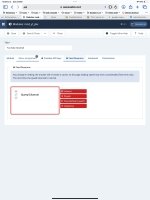
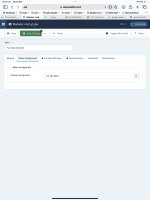
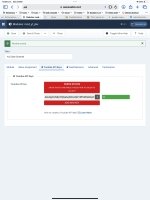
I set up the YouTube extension according to the video on the JLexart site but nothing displays. I've attached images of my module setup screens.
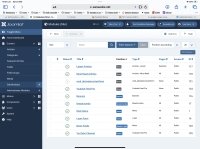
Installed and set up according to video nothing displays
2 years ago
I set up the YouTube extension according to the video on the JLexart site but nothing displays. I've attached images of my module setup screens.
This section can only be seen by users with a valid subscription.
If you have a valid subscription, please login now

Product Changelogs
Product Changelogs
JLex Block
6.1.7
# Fixed known bugs.
# Updated GEO servers.
JLex Comment
3.5.9
^ Integrate the Finder (Smart search) plugin.
# Fixed a bug related to editing comments in the front-end.
# Fixed bug "Jump to comment is broken".
# Improved the data structure.
# Fixed a bug related to editing comments in the front-end.
# Fixed bug "Jump to comment is broken".
# Improved the data structure.
JLex Review
6.4.1
# Improved template.
# Fixed missing translation errors.
# Fixed field data type errors.
# Fixed known minor bugs.
# Fixed missing translation errors.
# Fixed field data type errors.
# Fixed known minor bugs.
Youtube Feed Pro
6.0.5
# Fixes the issue of thumbnails not loading.
JLex Review
6.3.7
^ Integrated Finder plugin.
# Fixed known bugs.
# Fixed known bugs.
Youtube Feed Pro
6.0.4
# Redesign themes
# Optimize source code (reduce 35%)
# Optimize processing time
# Dark Mode in the admin section
# Support for changing thumbnail size.
# Compatible with Joomla 5.4.x and 6.
# Optimize source code (reduce 35%)
# Optimize processing time
# Dark Mode in the admin section
# Support for changing thumbnail size.
# Compatible with Joomla 5.4.x and 6.
Flash Sale Banner
1.1.2
# Compatible with Joomla 5.4.x and 6.